Every week someone publishes a "best open-source LLMs you should run locally" list. None of them tell you the one thing that actually decides whether a model runs at all on your machine: your VRAM. So you download a 13B model, watch your laptop fan scream, and end up back on the OpenAI API. Runyard exists because that loop is a waste of an afternoon.
The problem nobody benchmarks
Pick any Hugging Face model card. You will find: parameter count, training dataset, benchmark scores, licence terms. You will not find the one thing a hobbyist on a single GPU needs: "will this fit, and will it be fast enough." Because nobody can answer that without knowing your hardware.
The math is not subtle. A 7B parameter model at full FP16 needs roughly 14 GB of VRAM just for the weights, plus another 2-4 GB for the KV cache at reasonable context lengths. Quantize to Q4_K_M and you can squeeze a 13B into 8 GB. Push to Q8 and the quality dip is barely measurable for most tasks. None of this is in the model card. All of it matters when you are deciding what to download tonight.
What Runyard does
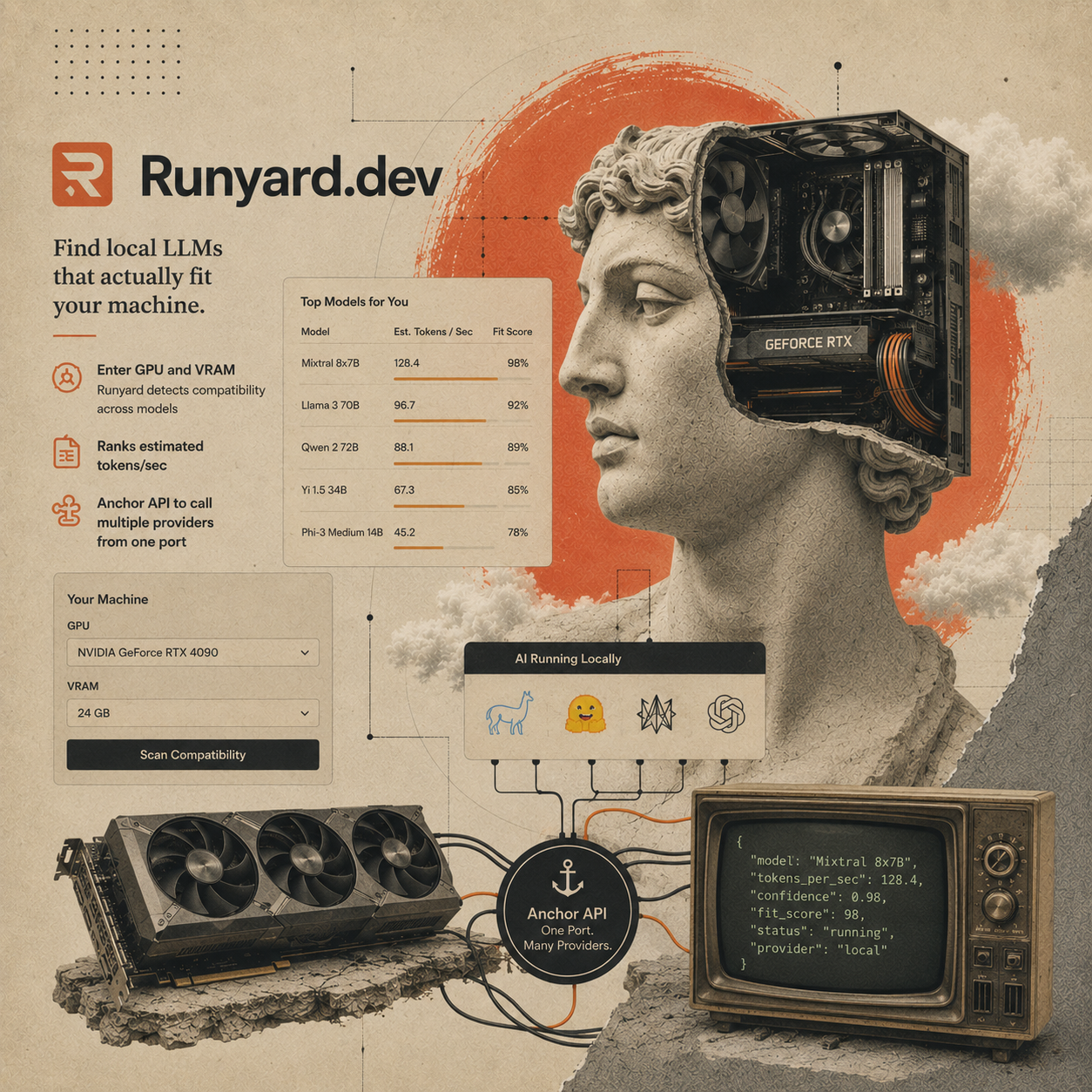
You tell Runyard your GPU. It tells you which models fit, ranked by estimated tokens-per-second, with an honest note on quality trade-offs at each quantization level. That is the whole pitch.
Under the hood it maintains a per-model VRAM table that accounts for weight size, KV cache scaling with context length, and the overhead each runtime (llama.cpp, vLLM, MLX, transformers) tacks on. The tok/s estimate is regression-fitted against real benchmarks we have run on the GPUs we own and the ones the community has reported. It is not magic; it is just the work nobody else bothered to centralise.
The Anchor API
The other half of Runyard is Anchor — one OpenAI-compatible endpoint that proxies to whatever local runtime you have running. Point your code at http://localhost:11434/v1 (or whatever port you prefer) and you can swap llama.cpp for vLLM, or fall back to Anthropic, without changing a line of application code.
This sounds boring. It is the most useful thing we have shipped this year. The reason: most developers who want local LLMs are not running them as a hobby. They are building agents, RAG pipelines, or internal tools where the prompt cost and latency matter. Swapping providers in production is something they will do dozens of times. Doing it without rewriting client code is the difference between "experimental" and "actually running."
What it is not
- Not a benchmark site. Open LLM Leaderboard and lmsys already do that better.
- Not a model hub. Hugging Face exists.
- Not a fine-tuning platform. Use Unsloth or Axolotl.
- Not a "best model for $X task" recommender. Quality on your task is yours to evaluate.
It is one specific tool: given your hardware, which local models will actually run, and how fast. Plus a thin compatibility shim so calling them looks the same as calling a hosted provider.
Why open source
The data — VRAM tables, throughput estimates — is only useful if it stays accurate. The community knows about new models and new quantization tricks weeks before we do. The model registry lives in the repo. PRs welcome.
Try it
Open runyard.dev, type in your GPU (or pick from the dropdown). You will see a sorted list within a few seconds. If the model you want is missing or the VRAM estimate looks off, open an issue or a PR — the repo is the source of truth for everything.
Find local LLMs that fit your machine — no guessing, no wasted downloads.
Open Runyard